This themes system is no longer maintained. There is will guarantee that it will work with the lastest version of CTWM.
Feel free to take over the maintenance of this system if you find it useful to you and CTWM users (although nobody seems to be using it).
What is CTS ?
CTS (CTWM Themes System) is a set of CTWM configuration files and shell scripts that adds basic themes-like capabilities to your CTWM window manager
CTS caracteristics:
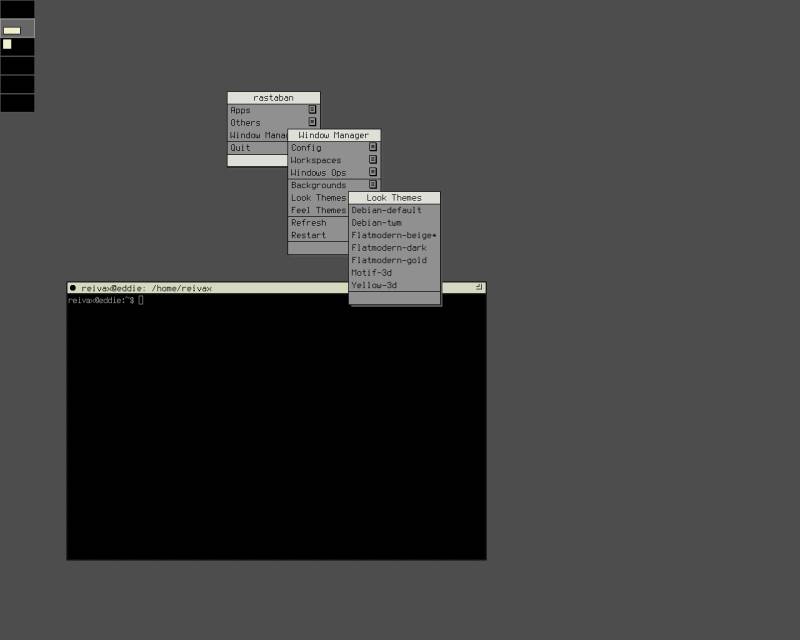
- themes are split into 'look' themes and 'feel' themes. 'Look' themes change colors and visual aspect of the window manager, and 'feel' themes change the way you move or place windows, open the menus, etc.
- automatically generated menus allows you to switch look or feel themes. Your choice is saved for your future X sessions.
- you can change the background image used with the current look theme using a menu generated from the images stored in the 'Backgrounds' directory.
- adding a new theme is as easy as unpacking it in the Themes-Look or Themes-Feel directory and restarting ctwm.
How does it work ?
The CTS package provides a .ctwm directory you must place in your home directory.
This directory provides a ctwmrc file that will include other configuration
files from the 'include' directory and from the themes directories. Using the
m4 preprocessor, the configuration files will read the Themes-Look and
Themes-Feel directories and the Backgrounds directory and generate menus
allowing you to switch themes and background images.
When you choose a theme in the menus, CTWM calls the settheme script that
simply change the $HOME/.ctwm/Themes-\*/Current link to the new selected
theme directory.
The wallpapers are switched using the setbg script that change the root
window's wallpaper, and place a link to the image in the directory of the
current look theme.
The script supports multiple screens, so if you have multiple screens, using the menu will change the wallpaper of the current screen.
Why did you wrote this ?
I wrote this because I like to change the look of my destop depending on my mood. This way, I can quickly select different colors, or a different background, and use it again the next time I log in.
I also thought this was a nice way to help ctwm users to use nice layouts even if they don't want to write their own ctwmrc. This can be a way to incite new users to use this great window manager.
What do I need to use this system ?
To use this themes system, you only need ctwm compiled with m4 support and the m4 package installed.
By default, CTS also uses xsetbg from the xloadimage package to change the background image, but you can change it in the setbg script.
How do I install this system ?
- backup your ctwm configuration file (if you have one) :
$ mv $HOME/.ctwmrc $HOME/.ctwmrc_backup - untar the CTS tar ball in your home directory, you will get a
.ctwmdirectory :$ tar xvjf cts-0.x.tar.bz2</pre></li> - add a link to the system's ctwmrc, for example using this command line :
$ ln -s $HOME/.ctwm/ctwmrc $HOME/.ctwmrc - Optionnally put the part of your ctwm configuration you want to keep in the inclue/local.rc file, or even better create a new look theme and feel theme (and don't forget to send it to me to share it with everyone).
- Restart CTWM.
You're done. You should now be able to switch themes and wallpapers from the
menus. New themes will appear automatically in the menu after unpacking them in
the $HOME/.ctwm/Themes-Look for look themes and $HOME/.ctwm/Themes-Feel for
feel theme, and restarting CTWM. The same with your backgrounds images in
$HOME/.ctwm/Backgrounds.
See the README file for more information about CTS.
Download
The latest version of CTS is 0.2. See the changelog.
CTS themes
You will find below some themes I wrote for CTS. They're indented to be a base for you own theme, so don't hesitate to create your theme by copying and modifying one of them. You'll find many comments in the theme files, especially in the Flatmodern-gold themes. Consult the ctwm man page too, it's a great reference.
To install a new theme, simply untar the theme in your Themes directory
(.ctwm/Themes-Look or .ctwm/Themes-Feel). Assuming your new theme
distribution is newtheme.tar.bz2 and is located in your home directory, you
can use the following line:
$ tar -C $HOME/.ctwm/Themes-Look -xvf newtheme.tar.bz2
Note: The wallpapers images being independant from the theme (althought the system remember the last image used with each theme), the wallpapers images shown on the screenshots are not included in the theme distribution.
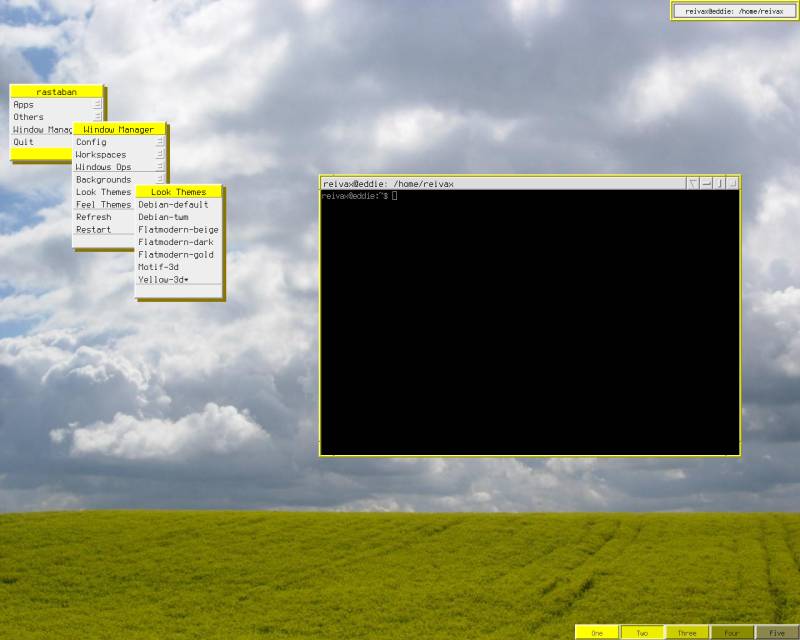
- Yellow-3d
-
 This is my most eye candy themes, using many 3d effects, and with yellow and
light gray colors.
This is my most eye candy themes, using many 3d effects, and with yellow and
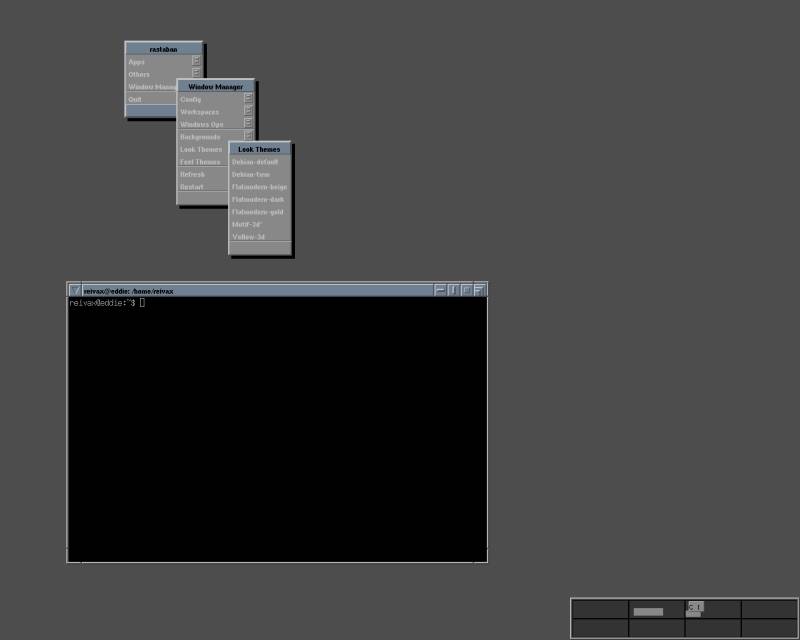
light gray colors. - Motif-3d
-
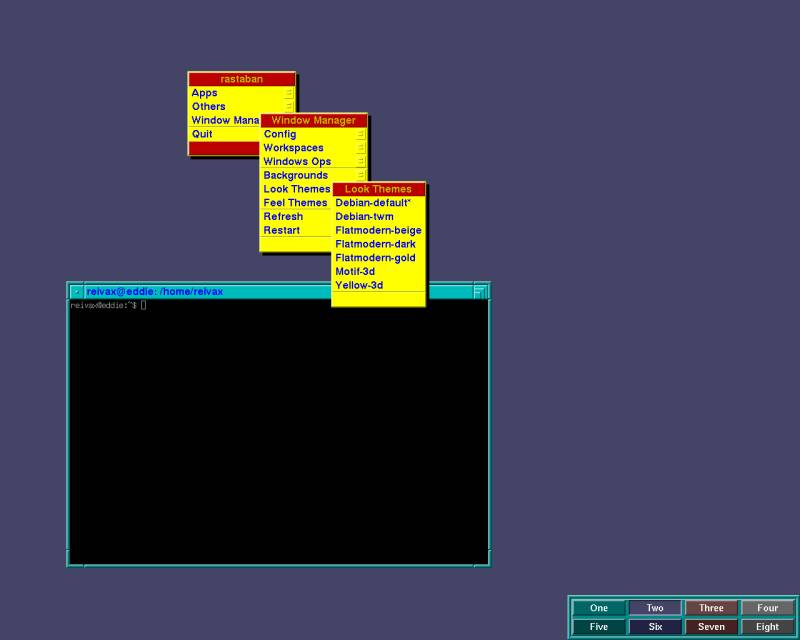
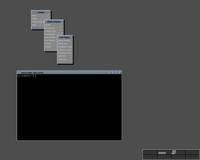 This is a theme derived from the Debian-default theme, with blue and gray
colors, and 3d effects.
This is a theme derived from the Debian-default theme, with blue and gray
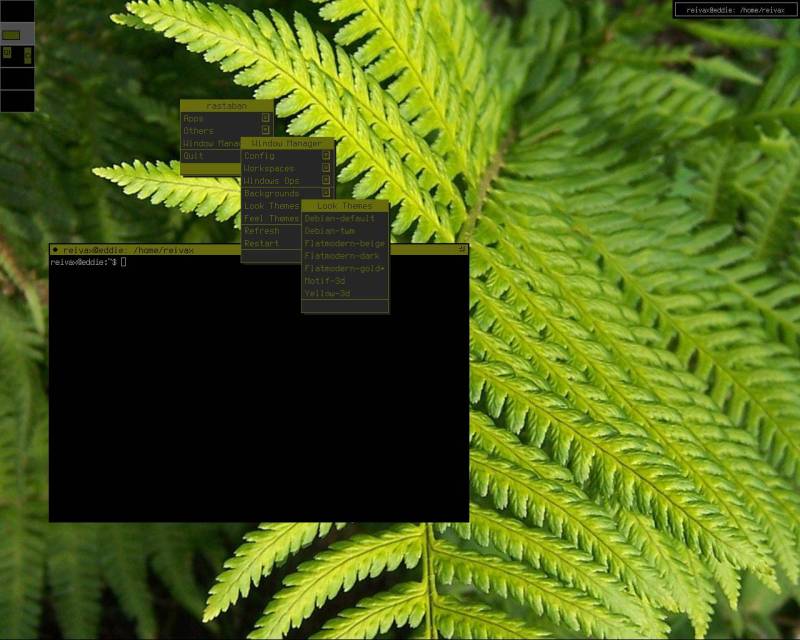
colors, and 3d effects. - Flatmodern-gold
-
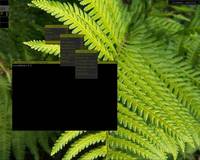 A simple theme I made, that doesn't use any 3d effect. This version mainly uses
dark gray and gold colors. This is my favorite theme, and also the most
documented.
A simple theme I made, that doesn't use any 3d effect. This version mainly uses
dark gray and gold colors. This is my favorite theme, and also the most
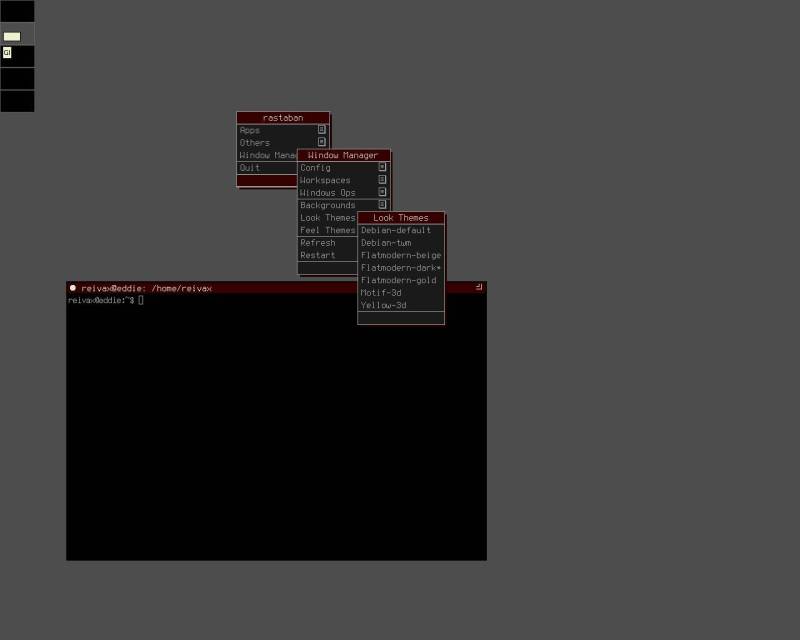
documented. - Flatmodern-dark
-
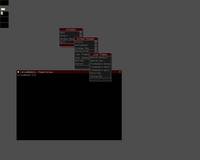 A simple theme I made, that doesn't use any 3d effect. This version mainly uses
dark gray and gold colors.
A simple theme I made, that doesn't use any 3d effect. This version mainly uses
dark gray and gold colors. - Flatmodern-beige
-
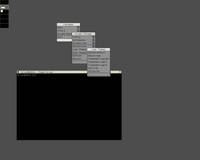 A simple theme I made, without any 3d effect.
This version uses light colors, mainly beige.
A simple theme I made, without any 3d effect.
This version uses light colors, mainly beige. - Debian-default
-
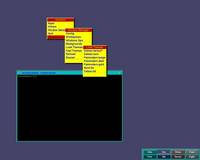 A theme based on the system configuration of ctwm provided by then debian ctwm package.
 - Debian-twm
-
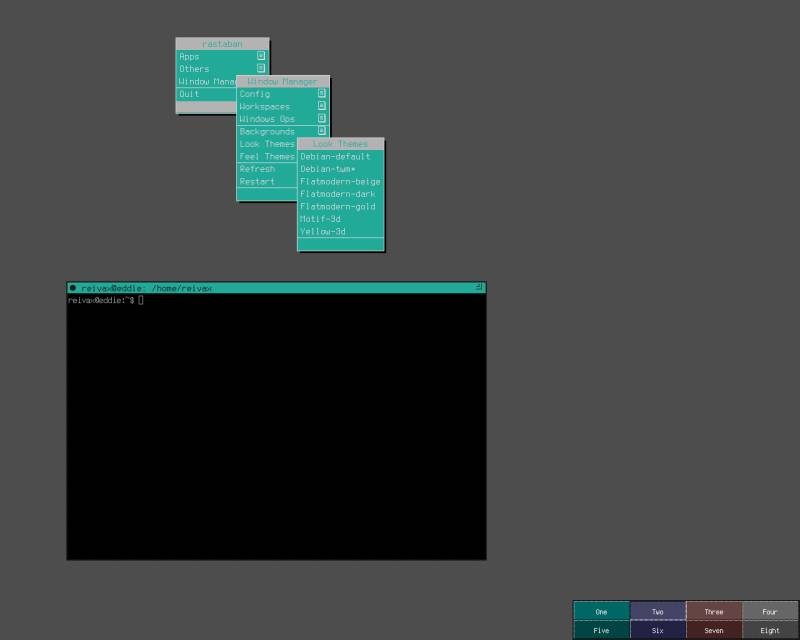
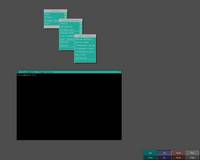 A theme based on the system configuration of twm provided by the debian twm package.